
If you’re on a similar path to me, you’re If you build websites or web applications with Supabase, there’s a small change coming October 30 that is worth putting on your radar.
And yes, I know.
A database permissions update is not exactly the kind of thing that makes you jump out of bed in the morning.
My kids would probably rank this somewhere between “Dad explaining how the thermostat works” and “Dad telling us about the history of the fax machine.”
But if you use Supabase, this one matters.
Supabase is changing how Data API access works for new tables created in the public schema.
The good news?
You don’t need to panic.
Your existing tables are not suddenly going to stop working.
Let’s walk through what is actually changing.
First, the part you probably want to hear
Starting October 30, Supabase will stop automatically granting Data API access to new tables created in the public schema for existing projects.
Your existing tables keep their current grants.
So if your application is happily talking to your database today through supabase-js, PostgREST, GraphQL, or another client library, this change does not mean you need to go running through your codebase like Kevin McCallister setting up traps in Home Alone.
Your existing tables remain accessible based on the permissions they already have.
The change is about new tables.
That’s the important part.
So what happens when I create a new table?
After October 30, creating a new table in the public schema will require you to explicitly grant the permissions that your application needs.
Without those grants, the Supabase Data API won’t be able to access the table.
Instead, you can get a permission denied error.
The nice part is that Supabase will tell you what GRANT statement is needed in the error.
So this isn’t exactly a “the database ate my homework” situation.
You should have a pretty clear indication of what needs to be fixed.
And yes, migrations count too
This is probably the part I would pay the most attention to if you’re developing with Supabase.
If you create tables through database migrations, those migrations need to account for the new permission requirements.
Imagine you create a migration that says:
create table public.customer_notes (
  id bigint generated by default as identity primary key,
  customer_id uuid,
  note text
);
The table gets created.
But if the appropriate Data API grants aren’t included, your application may not be able to access it through the API.
And now you have one of those wonderfully confusing development problems where:
“The table exists.”
“Great.”
“The API can’t see it.”
“Also great.”
“Why?”
“Permissions.”
Cue the dramatic music from every 1990s technology movie ever made.
This also affects new projects and preview environments
The migration issue isn’t limited to production.
The change also matters for things like:
- New Supabase projects
- Preview branches
- Local development
supabase db reset- Database migrations
- Development and CI/CD workflows
That means you want your migrations to be able to recreate the database and its permissions consistently.
This is one of those things that is easy to ignore until you’re sitting there wondering why something works in one environment but not another.
I’ve learned the hard way that databases have a sense of humor.
It just isn’t a very good one.
The simple fix
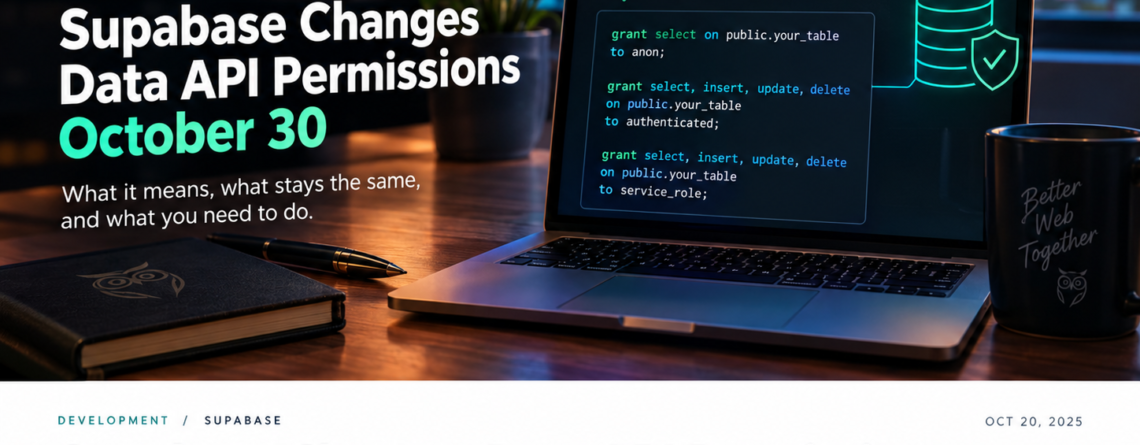
Supabase recommends adding the appropriate grants in the same migration that creates the table.
For example:
grant select
on public.your_table
to anon;

grant select, insert, update, delete
on public.your_table
to authenticated;

grant select, insert, update, delete
on public.your_table
to service_role;
Obviously, don’t blindly copy those permissions into every table just because I put them in a blog post.
Your application’s requirements should determine what access each role actually needs.
A table that only needs to be publicly readable may only need SELECT for the anon role.
Another table may need authenticated users to read and modify records.
And some data should be much more restricted.
That’s where your database permissions and Row Level Security policies become really important.
Wait. What about my existing tables?
This is where I think the announcement sounds scarier than it really is.
Existing tables keep their current grants.
So you don’t need to go through every existing table and add permissions simply because October 30 is approaching.
If your current application is working, this change isn’t designed to suddenly pull the rug out from underneath it.
The focus should be on the tables you create going forward.
That said, I would still take this opportunity to look at your database permissions.
Not because Supabase is forcing you to rewrite everything.
Because knowing what your application can access is generally a good idea.
Especially when we’re talking about customer data.
Here’s what I’m doing
Whenever I see a change like this, I try not to overcomplicate it.
I’d start with these steps:
1. Look at your Supabase Data API settings
See which tables are currently exposed through the Data API.
That gives you a better understanding of what your application is actually accessing.
2. Review your migrations
Look for migrations that create tables in the public schema.
Those are the ones that deserve your attention.
3. Add grants to new table migrations
Put the appropriate GRANT statements alongside the table creation.
That way the table and its permissions travel together.
4. Check Row Level Security
Don’t treat database grants and RLS policies as interchangeable.
They serve different purposes.
Make sure your table has the access controls your application actually requires.
5. Test a fresh database
This is a big one.
Run your migrations against a clean environment.
Then test the application.
Also test things like:
supabase db resetIf your migration can recreate the database correctly from scratch, you’re in a much better position.
Why I actually like this change
I know.
A sentence that starts with “I actually like a database permission change” is probably not going to win me any cool points with my kids.
But hear me out.
There is value in making database access explicit.
When permissions are automatically granted, it’s easy to forget that your application is relying on those permissions.
When you have to explicitly say:
“This role can read this table.”
Or:
“This role can insert, update, and delete records here.”
You have to think about what your application actually needs.
That can be a good thing.
Security is rarely improved by giving everything access to everything and hoping nobody notices.
That’s basically the database equivalent of leaving the front door open because you can’t remember whether you locked it.
The takeaway
If you’re already using Supabase, you don’t need to freak out about October 30.
Your existing tables aren’t suddenly being cut off from the Data API.
The change is about new tables created in the public schema.
The biggest thing to remember is this:
New tables will need explicit Data API grants.
If you’re using migrations, add those grants as part of the migration that creates the table.
Then test your migrations in the environments where you actually develop and deploy.
That’s it.
Well…
That’s it until the next thing changes.
Because if there’s one thing I’ve learned after years of working with websites, marketing platforms, Google, databases, WordPress, APIs, hosting providers, and whatever new acronym somebody invented this Tuesday, there’s always a next thing.
And that’s OK.
We’re all learning as we go.
I’m certainly not sitting here pretending I have every answer. I’m the guy who still has to Google something, read three documentation pages, question my life choices, and then realize the answer was in the first paragraph.
That’s part of the job.
So if you’re working with Supabase, I’d love to hear from you.
Have you already updated your migrations for this change?
Or did you just find out about it from this post?
Drop a comment and let me know what you’re seeing.
We can figure this stuff out together.
After all, that’s what the Owl is here for.
Keeping watch while the rest of us are trying to figure out why the database suddenly decided it doesn’t know us anymore. I’m out. And as always, buy some merch to show some love!